Your Snapchat memories, back on the day they happened.
Snapchat's export drops every photo and video into your library stamped today. SnapRescue reads the dates and places Snapchat kept in a separate file and writes them back into every memory, captions included. On your own computer or phone, nothing uploaded.
100% on your deviceNothing uploaded, no accountNot affiliated with SnapSecure Stripe checkout30-day money-back guarantee
The export is the easy part. Then every photo says today.
Snapchat hands you the raw photos and videos, but the dates and GPS live in a separate memories_history.json file that your photo app never reads. Import them and 2,000 memories from years of your life all stack up on today's date, with nothing left to say where or when any of it happened.
SnapRescue reunites every file with its real metadata before it ever touches your library.
Photos
Four things your export lost. All four come back.
Truly correct local times
Snapchat stores every moment in UTC. Other tools paste that in raw, so an evening snap abroad shows up at breakfast. SnapRescue uses each photo's GPS to convert it to the real local time it was taken.
Snapchat's list (UTC)09:30
→
Bali, where it happened17:30
Back on the map
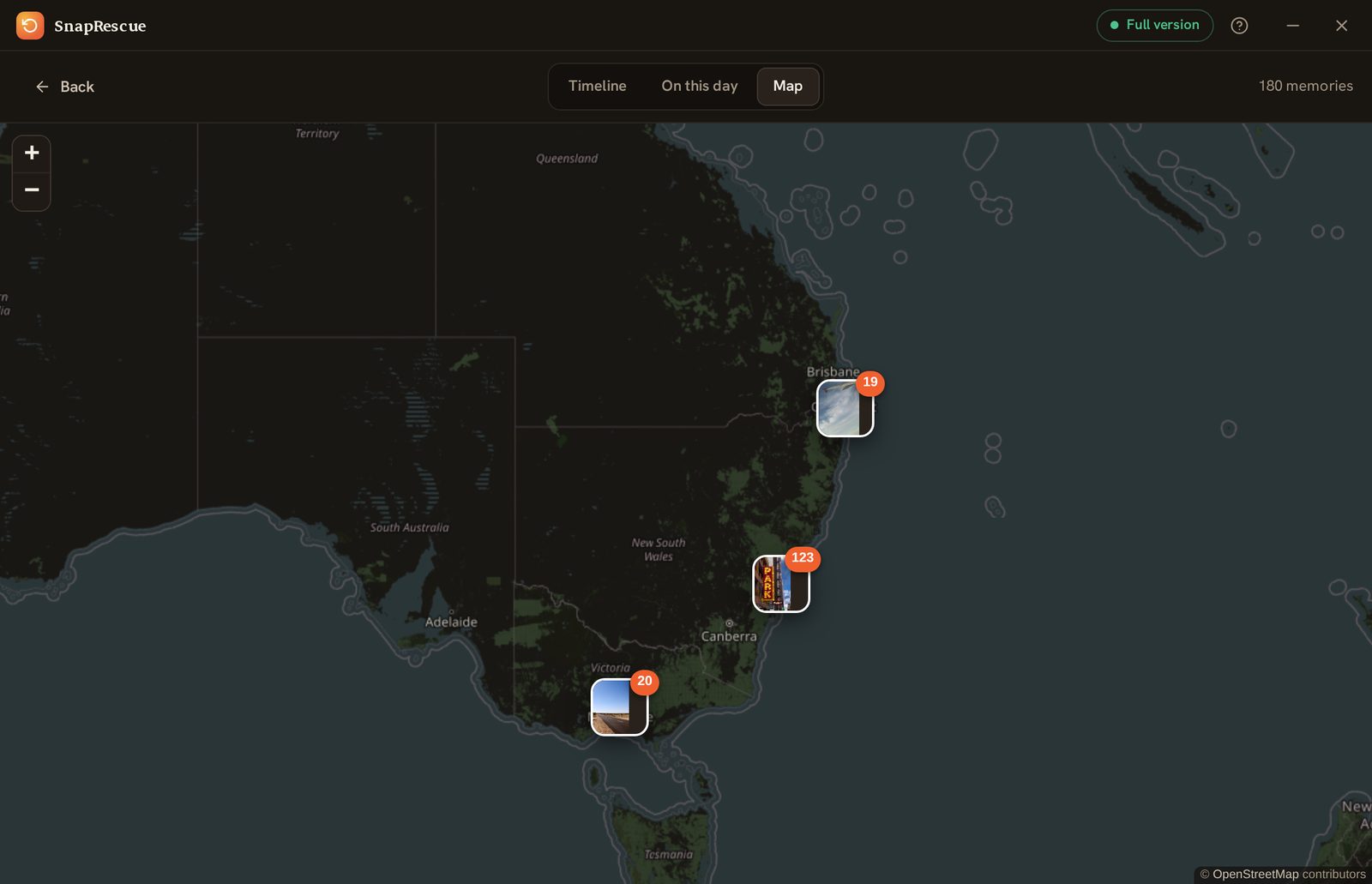
The coordinates go back inside every file, so Google Photos, Apple Photos and Immich put each memory where it happened. SnapRescue's own map groups nearby memories together, so you can wander back through them.
Captions where you wrote them
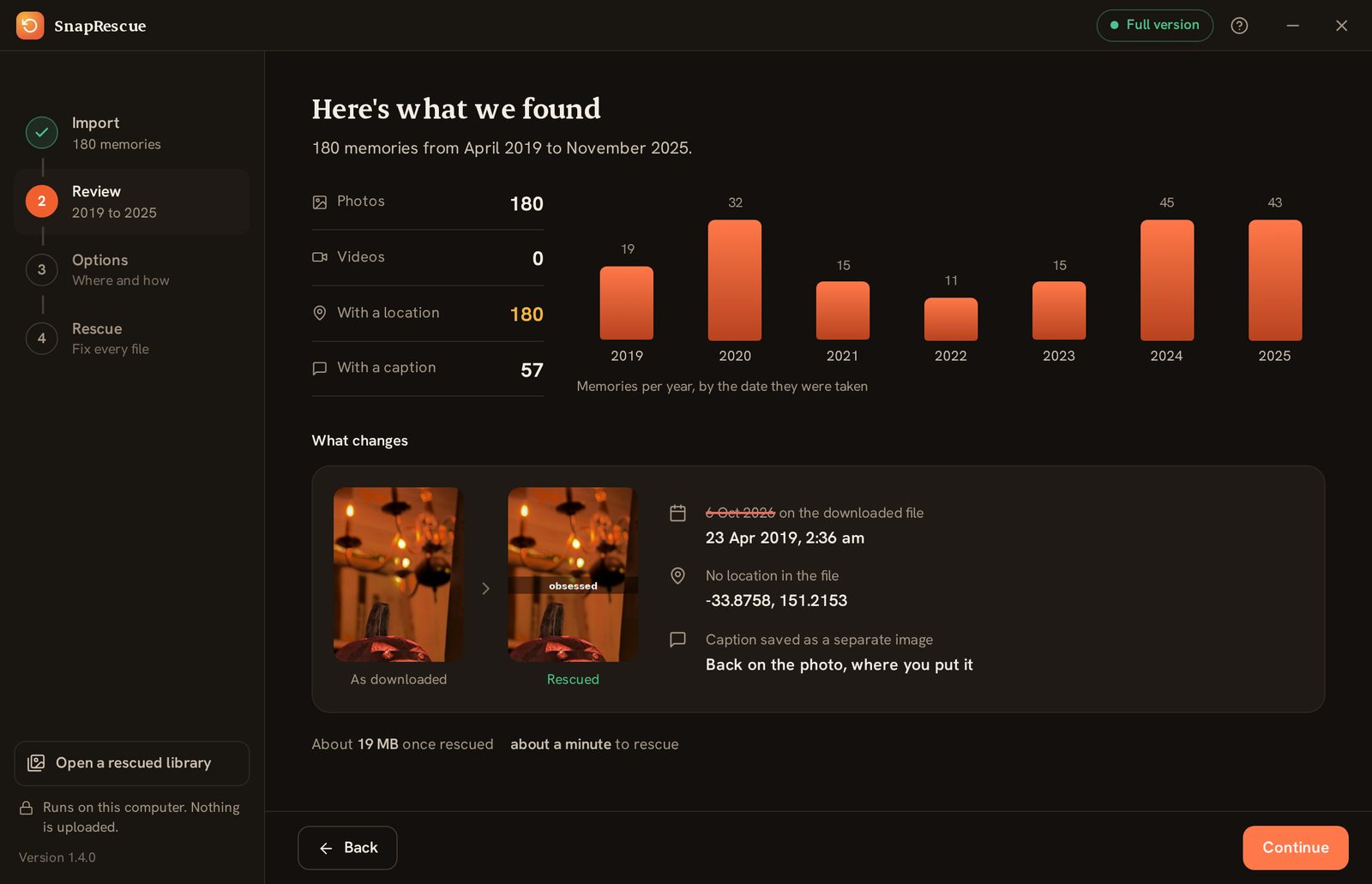
Snapchat saves your captions and stickers as separate see-through images. SnapRescue lays each one back over its photo or video, exactly where you put it. Drag the line to compare.
As downloadedRescued
Videos matched to the second
Most people save several snaps a day, and file names only carry the day. SnapRescue reads the clock Snapchat leaves inside every video, so each one gets its own time and its own place, not a neighbour's.
08:15:30Bondi
13:42:07Manly
21:00:05Newtown
GPS + place names
Coordinates embedded so map view works, plus a readable location like “Byron Bay” written in.
Dated folders
Auto-organized into year folders with date-named files, an instant browsable archive.
100% private
Everything runs on your computer. Nothing uploads, no account, no servers seeing your photos.
Pause & resume
Got 30,000 memories? Stop any time and pick up exactly where you left off. Nothing redone.
The real app, on your computer or your phone.
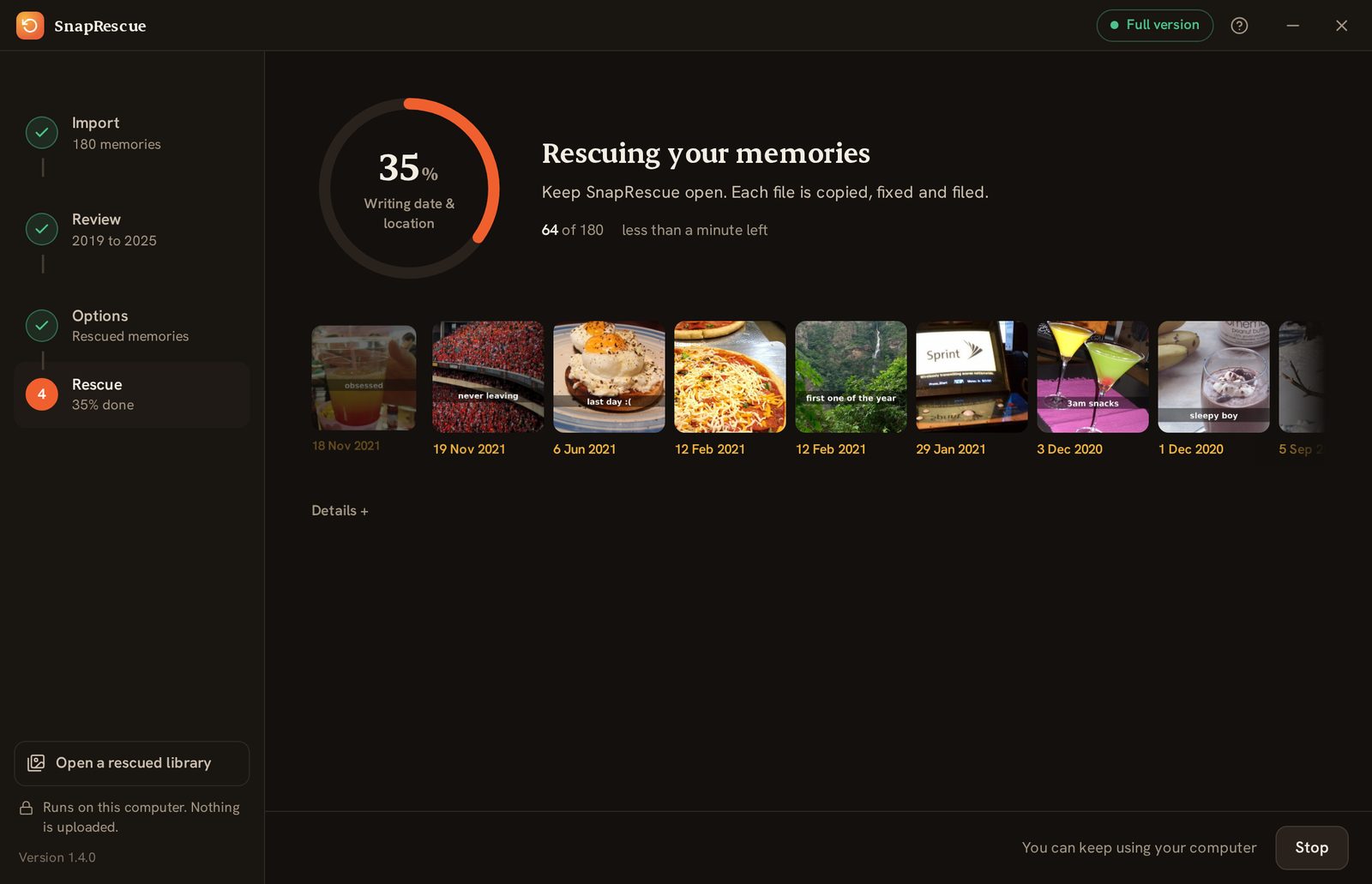
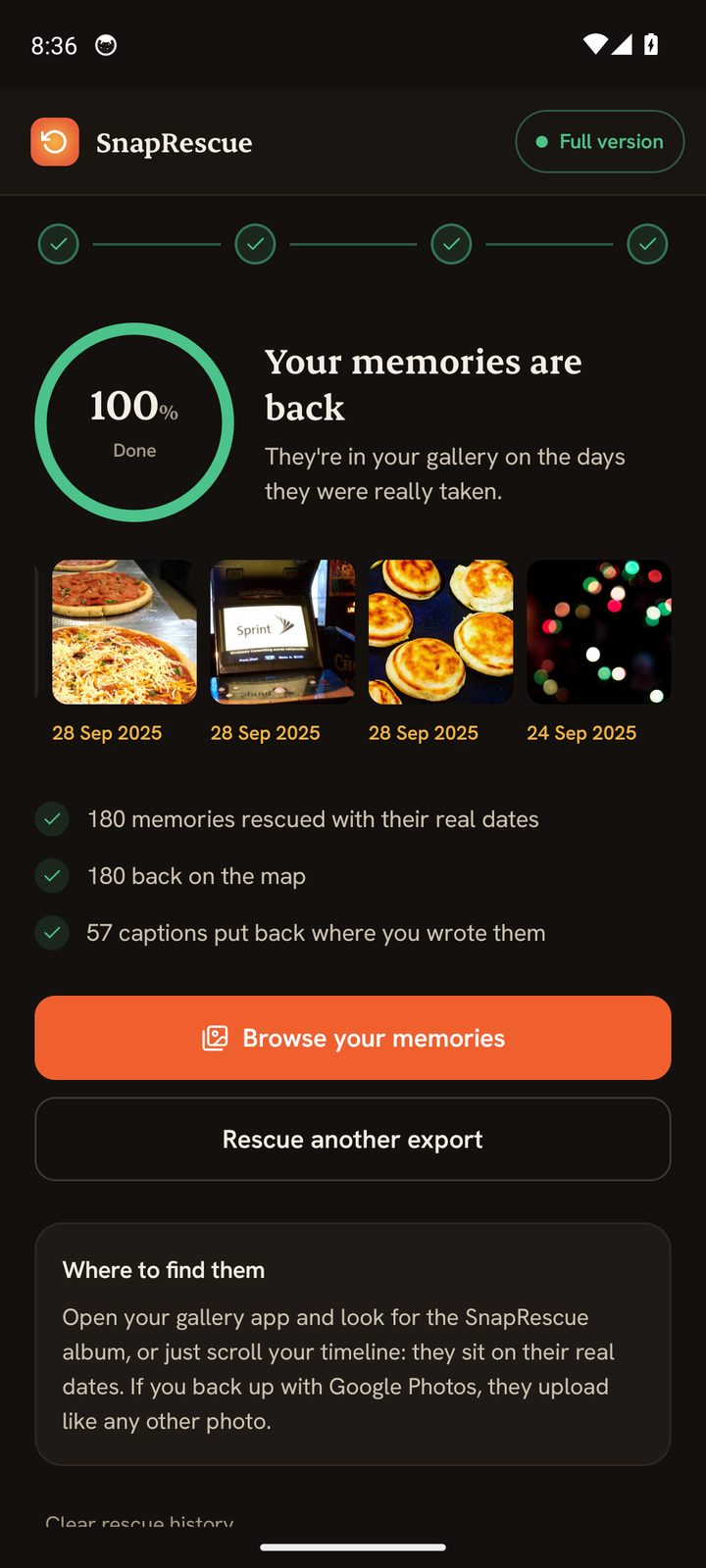
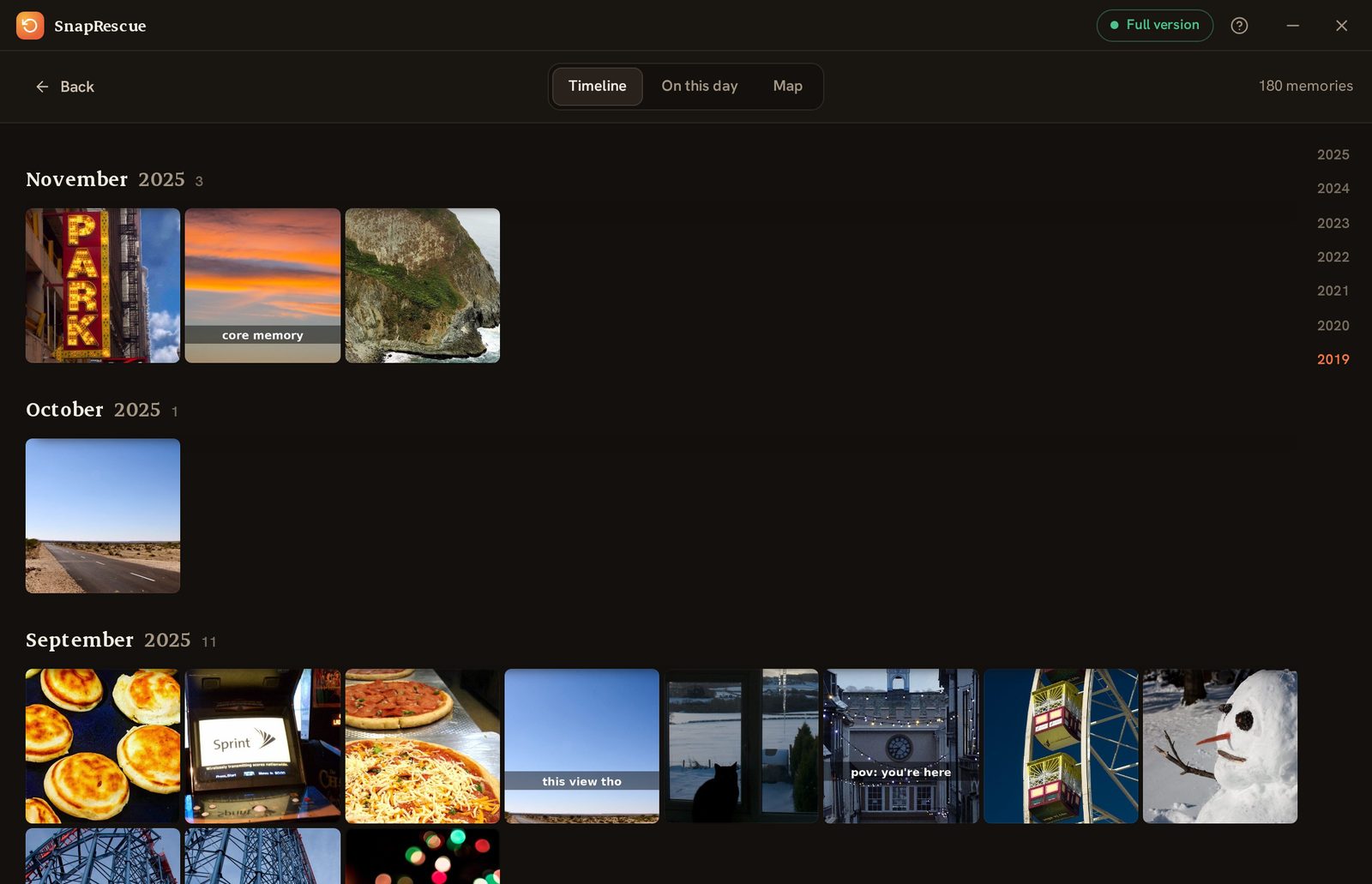
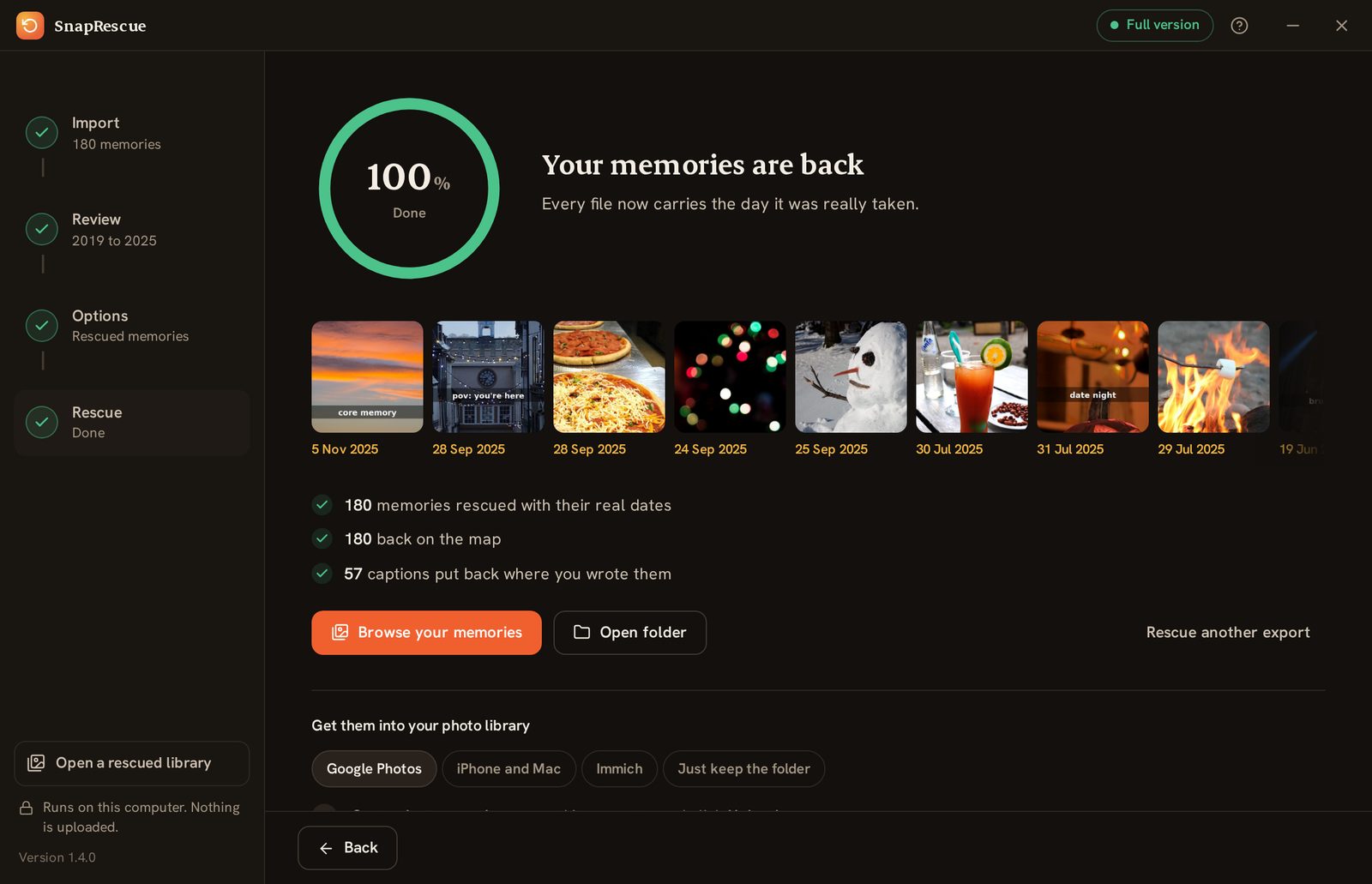
Choose your export, check what was found, and watch every memory get its date back. Then browse them by year, on this day, or on the map. One licence covers Windows, Mac and Android.
See exactly what was foundBrowse them by monthKnow what was restored
0:00/0:52The real app, start to finish.
From a messy ZIP to a beautiful archive.
Fifty seconds on a real laptop with a real export. Tap a step to jump to it.
Ask Snapchat
In the app: Settings → My Data → Submit Request. They email you a download link. (We never touch your login.)
Put it in one folder
Snapchat may send several ZIP files. Save them all into one folder. No need to unzip them yourself.
Point & go
Open SnapRescue and select that folder. It unzips and finds every memory plus its metadata automatically.
Drag anywhere
Get tidy 2019/ 2020/ … folders ready for Google Photos, Apple Photos, Immich, or anywhere else.
Comparison based on each tool's publicly listed features and pricing as of June 2026. ExportSnaps and Memories Import are independent products; details may change, check their sites for the latest.
Simple, fair, one-time
Try it free. Unlock once.
No subscription, unlike a certain ghost. Snapchat Plus is $3.99 every month, forever. SnapRescue costs less than 3 months of that, then it's yours for good.
↩️ 30-day money-back guarantee, no questions asked
Secure checkout via Stripe · One-time payment, no subscription · Windows, Mac and Android
Good questions
Things people ask.
In Snapchat: profile → Settings ⚙️ → My Data → Submit Request (tick “Include Memories”). Snapchat emails you a download link, usually within a few hours. A large library can arrive as several ZIP files, so just save them all into one folder and point SnapRescue at that folder. See the full step-by-step guide ↑
No. SnapRescue never logs into Snapchat or touches your account. You request your data through Snapchat's own official “My Data” tool, and SnapRescue only processes the ZIP they email you, entirely on your computer.
Never. All processing happens locally on your machine. Your memories don't leave your computer, and SnapRescue works without an account. The only thing that ever goes online is a tiny licence-key check when you unlock the full version.
The full feature set on your first 100 files, so you can confirm it works perfectly on your own photos and videos before paying anything. Unlock once for $9.99 to process your entire library.
Yes. Dates and GPS are written into videos as well as photos, and caption/sticker overlays are merged onto both. Quality is untouched; only metadata changes.
In a clean set of 2019/ 2020/ … folders you choose, with every file's real date and location embedded, ready to drag into Google Photos, Apple Photos, Immich, Lightroom, or anywhere else.
Just import the rescued photos and videos like any others. The date, GPS and caption are written inside each file, so Immich reads them straight away. No need to import anything else. If you run an external library (Immich scanning a folder without altering your originals), tick “Also write XMP sidecar files” in SnapRescue and a matching .xmp is placed next to each item. One thing to note: a sidecar is only ever read alongside its photo or video, never uploaded on its own.
Yes. That SmartScreen notice appears for any new app from an independent developer that hasn't yet built up download history with Microsoft. SnapRescue is safe and runs entirely on your computer. To open it: click “More info”, then “Run anyway”. The warning fades as more people download it.
Windows, Mac (Apple Silicon and Intel) and Android are available now. The iPhone version is in the works. Buy once and you'll get them all included.
Don't let years of your life expire in a ghost's cloud.
Rescue your Memories today. Free for the first 100.
SnapRescue is a new app, so Windows may show a blue “Windows protected your PC” notice. That is normal for any new app, and SnapRescue is completely safe and runs entirely on your computer.
To open it: click More info, then Run anyway.
✕
Windows protected your PC
Microsoft Defender SmartScreen prevented an unrecognized app from starting. Running this app might put your PC at risk.
More info
Run anywayDon't run
This is the exact box you'll see. Click More info to reveal Run anyway.
SnapRescue is not in the App Store, so macOS may say it “cannot be opened because Apple cannot check it for malicious software.” That is normal for apps outside the store, and SnapRescue is completely safe and runs entirely on your computer.
To open it: double-click the app, close the warning, then go to System Settings → Privacy & Security, scroll down and click Open Anyway. On macOS 14 or older you can simply right-click the app and choose Open. You only do this once.
Most Macs from 2020 onward are Apple Silicon (M1, M2, M3 and newer); older Macs are Intel. Not sure which you have? Open the Apple menu and choose About This Mac.
SnapRescue for Android installs straight from here rather than the Play Store, so your phone asks you to allow the install and Play Protect may show a quick "unknown app" notice. That is normal for a direct download, and SnapRescue is completely safe and runs entirely on your phone.
To install: tap Download, open the file, turn on Allow from this source, then tap Install anyway.
Android 8.0 and newer. Your first 100 files are free, the same as the desktop app.
The iPhone version of SnapRescue is in active development. Leave your email and we'll tell you the moment it's on the App Store, and send you an early-supporter discount code to say thanks for waiting.
One email when it's ready, nothing else. Your address is never shared.